
Modules/Video Conferencing
Meet where the work already lives.
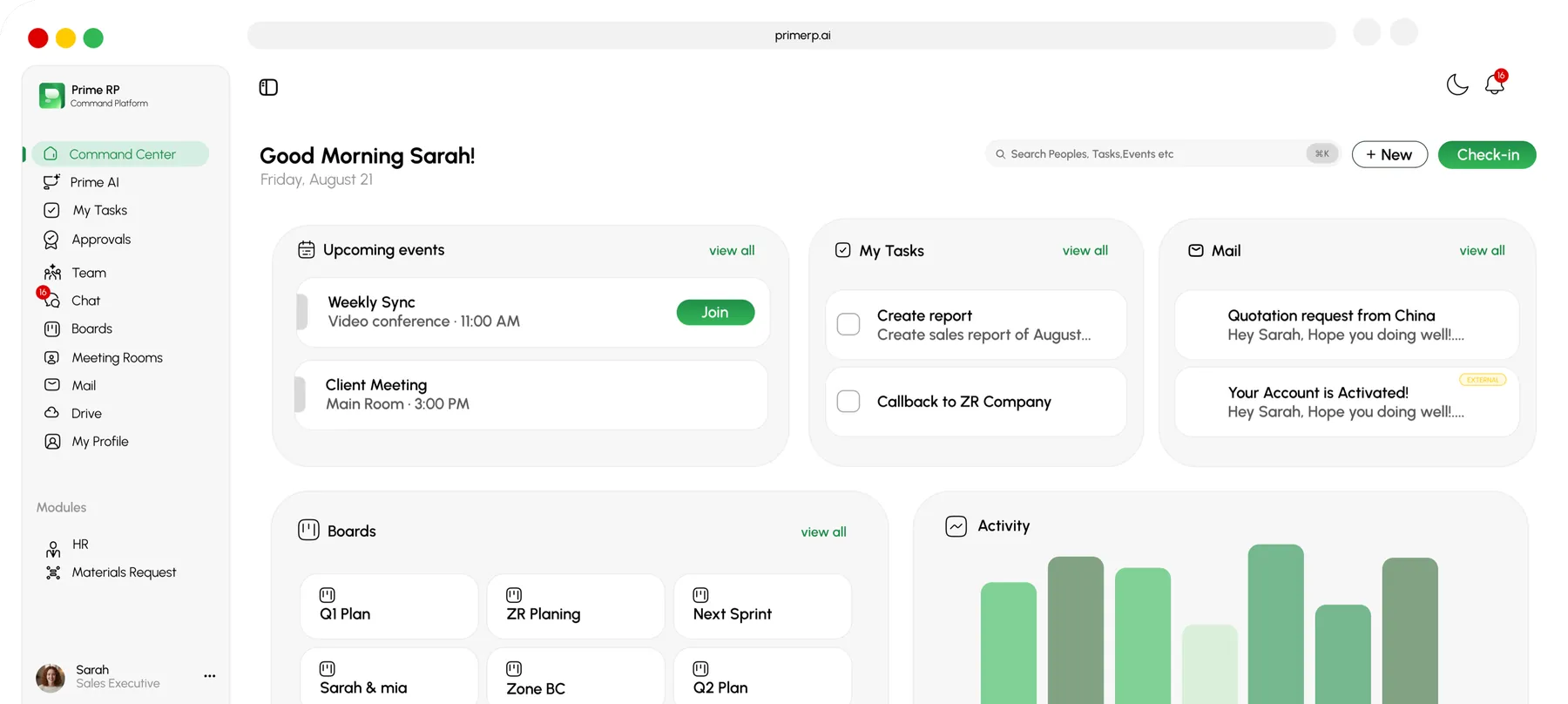
Start an HD video call from any project, approval, or task, and the meeting opens with the right people and the relevant record already on screen. Share your screen, record the session, and drop the recording straight onto the item it belongs to. No separate meeting app, no copy-pasted links.
HD
video & screen share in the browser
1-tap
start a call from any record or channel
Auto
recordings attached to the right item
Prime RP
Video Conferencing
Live call
Linked to Approval step 2, Foundation QA
Participants
3
Linked record
Approval step 2
Call quality
HD
Meetings that do something.
HD video & voice
Crisp browser-based meetings with grid and speaker views, mute controls, and low-friction joining.
Screen share
Walk through a drawing, a budget, or a report, and the item stays linked to the meeting afterward.
Record & attach
Recordings save straight onto the project, task, or approval they were about, findable later by anyone with access.
Context-aware calls
Launch a call from a record and it opens with the right participants and that record on screen, so nobody hunts for the link or the file.
Governed access
Who can join, share, and view recordings follows the same role model as the rest of the ERP.
Standalone meeting tools vs Prime RP video.
HD video, screen share, recording
Start a call from a project or task
Recording auto-attached to the record
Participants from project membership
Permissions inherited from your ERP
Book a Walkthrough
Get a personalized walkthrough of the platform and discover how you can manage projects, people, finance, procurement, and daily operations, all in one place.
Book a walkthrough